

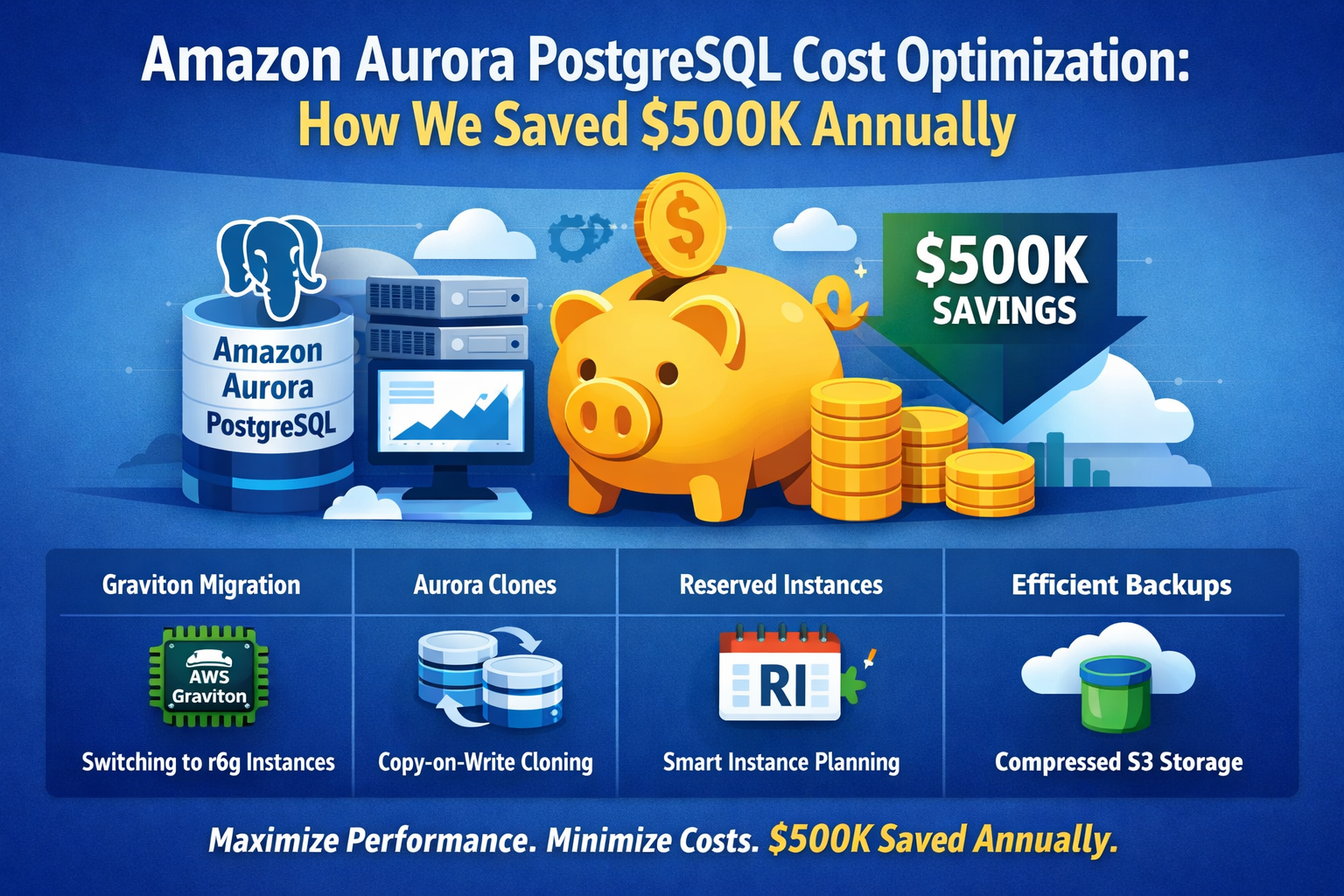
Saved $500K on amazon aurora postgresql Costs
Amazon Aurora PostgreSQL cost optimization is essential for enterprises that rely on cloud databases but struggle with rising infrastructure bills. Although Amazon Aurora PostgreSQL offers high performance and reliability, costs can grow quickly when sizing, backups, and scaling are not reviewed regularly.
At Bynatree Data Solutions, we help organizations optimize Amazon Aurora PostgreSQL by combining performance tuning, right-sized infrastructure, intelligent automation, and Remote DBA expertise. In this real-world case study, we show how a structured optimization approach helped an enterprise client reduce their amazon aurora postgresql costs by over $500,000 annually—without compromising performance, availability, or developer productivity.
This is a real-world story of how we helped one of our enterprise clients reduce their amazon aurora postgresql spend by over $500K, without compromising performance, availability, or developer productivity. The savings came not from a single big change, but from a set of intentional, data-driven decisions.
Amazon Aurora PostgreSQL is powerful. However, it can become expensive over time. Many teams never review their original setup. As a result, costs rise even when workloads stay the same. Therefore, regular optimization is critical. By right-sizing compute, improving backups, and automating cost planning, organizations can reduce spend without risk.
Amazon Aurora PostgreSQL Cost Optimization Challenges
However, many enterprises continue using older amazon aurora postgresql vs rds postgresql instance types. As a result, they pay more without seeing better performance. Moreover, non-production systems often consume the same resources as production. Therefore, cost optimization must be planned carefully. Instead of one large change, teams should apply small improvements. For example, Graviton instances and Aurora clones reduce cost quickly.
Our client runs multiple Aurora PostgreSQL clusters across production, UAT, and non-production environments. Over time, their database costs increased steadily—even though application load and user growth were predictable.
From an executive lens, the core problems were clear:
- Infrastructure choices were never re-evaluated
- Non-production environments cost almost as much as production
- Backup and refresh processes were slow, expensive, and risky
- Reserved Instance purchases were reactive, not strategic
Step 1: Amazon Aurora PostgreSQL r5 vs r6g Cost Comparison
Migrating from r5 to r6g (Graviton) — Same Performance, Lower Cost
The client was using r5 instance classes across all Aurora PostgreSQL clusters. We benchmarked their real production workload and identified an opportunity to migrate to r6g (AWS Graviton-based) instances.
Cost Comparison (per instance)
| Instance Type | On-Demand | Reserved |
| db.r5.large | $0.29 | $0.377 |
| db.r6g.large | $0.26 | $0.338 |
After validating query latency, throughput, and CPU behavior, we migrated the workloads to r6g instances.
Impact
- Immediate compute cost reduction
- No application changes required
- Better price–performance due to ARM-based architecture
Add service – AWS Pricing Calculator.
Step 2: Replacing pg_dump-Based Refresh with Aurora (amazon aurora postgresql) Copy-on-Write Clones
The client refreshed UAT from Production every alternate week using pg_dump and restore:
- Time-consuming
- Error-prone
- Resource-intensive
- Operationally risky
We replaced this with Aurora copy-on-write clones.
Why This Matters
Aurora clones:
- Share the same underlying storage
- Only incur cost for changed data blocks
- Can be created in minutes
- Are fully usable PostgreSQL clusters
Results
- 70% reduction in UAT storage costs
- Significant reduction in IOPS usage
- Database refresh time reduced from hours to minutes
- Far lower operational risk
Cloning a volume for an Amazon Aurora DB cluster – Amazon Aurora.
Step 3: Intelligent Automation for Reserved Instance Planning
Reserved Instances (RIs) can save 35%–45%, but only if purchased correctly.
We built custom automation that:
- Analyzes daily instance usage
- Identifies over-provisioned databases
- Recommends the optimal number and type of RIs
- Flags unused or underutilized instances
This allowed leadership to:
- Make data-backed purchasing decisions
- Avoid over-committing capital
- Align infrastructure cost with business demand
Outcome
- Predictable database spend
- Improved budgeting accuracy
- Long-term cost efficiency without operational surprises
Add service – AWS Pricing Calculator.
Step 4: Rethinking Long-Term Backup Strategy
Initially, the client relied entirely on Aurora snapshots:
- Easy to manage
- Fast to create
- But expensive over long retention periods
Aurora snapshots:
- Cannot be compressed
- Accumulate significant storage costs over time
- Can be exported to S3 (Parquet), but:
- Not restorable to PostgreSQL
- Require Athena or query-layer changes
- Not suitable for application-level restores
Exporting DB cluster snapshot data to Amazon S3 – Amazon Aurora
Our Optimized Approach
We implemented:
- Aurora copy-on-write clones (zero additional storage initially)
- pg_dump from clones instead of production
- Compressed backups stored for long-term retention
- Copied them to S3 bucket for long term retention
Impact
- ~90% compression on backups
- Major reduction in long-term storage costs
- No impact on production performance
- Full restore capability preserved
The Final Outcome
By combining:
- Right-sized compute (r6g)
- Smarter environment strategy (Aurora clones)
- Automation-led RI planning
- Cost-efficient backup design
We helped the client achieve over $500,000 in savings, while:
- Improving reliability
- Reducing operational effort
- Increasing confidence in cloud spend decisions
Follow our more blog for postgresql new features and for increasing performance and database adminstrator services reach out to us https://bynatree.com/contact/.